
Gaming
Jan 23, 2026
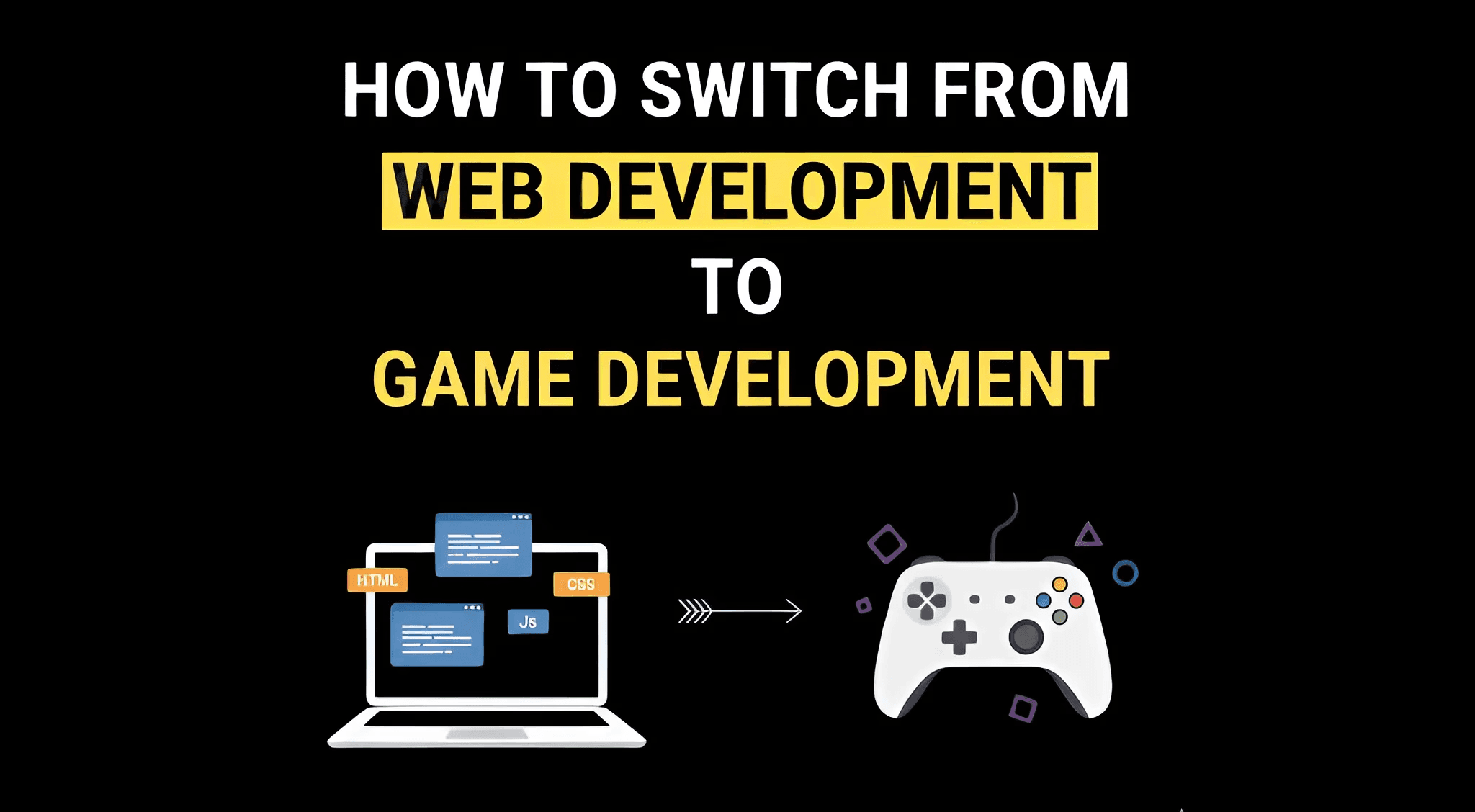
Learn required skills, engines, programming languages, portfolio strategy, career paths, timelines, and common mistakes. Photo by: ABGN
A lot of web developers find themselves doing the same things over and over CRUD apps, dashboards, APIs, and so on.
When that happens, game development starts looking really good. It seems creative, hard in a fun way, and like you can make something that really matters.
The cool thing is, if you're a web developer, you're already in a great spot to move into game development.
It won't happen overnight, and it takes more than just learning a game engine. But if you go about it the right way, you can switch over to working on gameplay, building tools, creating backend systems, or even working on the game engine itself.
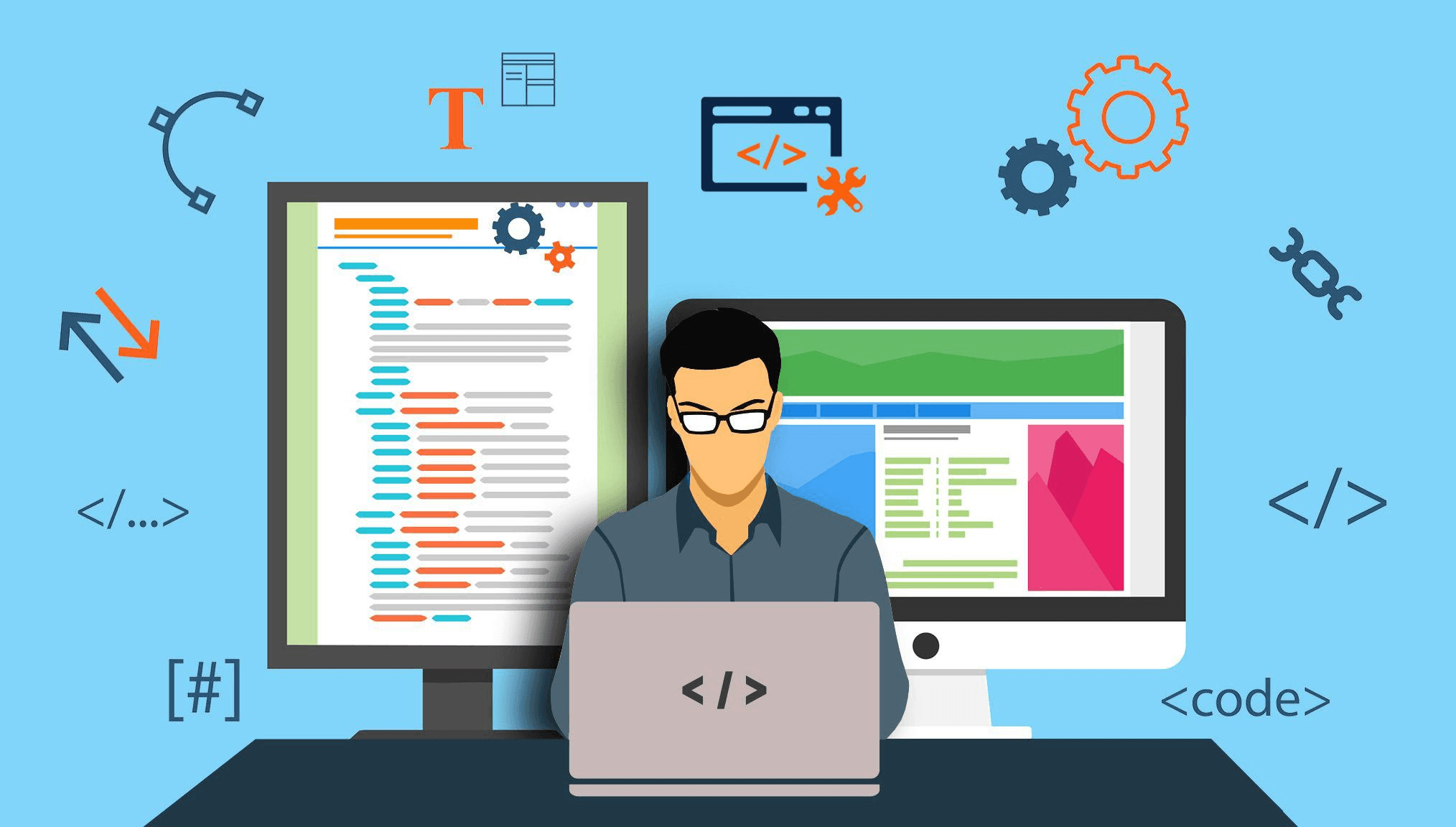
Web developers already have skills that game studios want:
Solid coding knowledge
Good at fixing bugs and solving problems
Experience with big code projects
Know how performance, memory, and structure work
Can use version control and work with others
They just need to learn about real-time systems, graphics, and game structures which they can do.

When thinking about moving from web to game development, it's a good idea to understand the main differences between them.
Web development is usually event-driven, working with requests and responses. These systems don't always keep track of user states.
The main things to consider are user experience, how well the system grows, and how reliable it is. Speed is measured in milliseconds or seconds.
Game development, on the other hand, involves systems that run in real-time, typically at 30-120 frames each second.
It uses constant simulation loops and a lot of CPU and GPU power. Here, performance is measured by frame, and there are strict rules for memory use and delay.
Changing how you think about these things is the trickiest part, even more so than the coding.
Web developers often move into these game roles more easily than others:
Great for coders working on the front end or the whole stack. It covers how games work, like how players move, what they can do, and the rules of the game.
Perfect for backend web developers, it handles things like matchmaking, leaderboards, accounts, inventories, data tracking, and keeping services up and running.
Perfect for developers who want to create internal tools, editors, pipelines, and automation solutions.
A great fit for developers who have a good eye for design and prefer scripting gameplay over getting into the engine's nitty-gritty.
The language you speak now affects how fast you learn.
Learn C# (very natural transition)
Focus on Unity or game tooling
Learn object-oriented design deeply
Learn C# or C++
Python is useful for tools, pipelines, and AI prototyping
You already have a major advantage
Move directly into C# or modern C++
Focus first on core programming fundamentals
Then transition to C# or C++
Beginners often face this problem: Pick what fits your aims, not just what's popular.
Great Choice for Newcomers and Web Devs
Built with C#
Tons of Learning Material
Good for indie, mobile, 2D, and AA games
Uses C++ and Blueprints
Best for AAA and high-end visuals
Steeper learning curve
Industry standard for large studios
Lightweight and open source
GDScript (Python-like) or C#
Good for indie and learning fundamentals
Recommendation:
Start with Unity or Godot, then move to Unreal later if needed.
To be taken seriously as a game developer, you must understand:
Game loops (Update, FixedUpdate, Render)
Real-time input handling
Physics systems
Collision detection
State machines
Animation systems
Memory management basics
Performance profiling
Math for games (vectors, matrices, trigonometry)
This is where most web developers underestimate the effort.
Your portfolio matters more than your resume.
Small, complete games (not tutorials)
Playable builds
Clean, readable code
Demonstrated understanding of mechanics
Clear explanations of what you built
2D platformer
Top-down shooter
Puzzle game with custom mechanics
Multiplayer prototype
AI-driven enemy behavior
Physics-based system
One polished project beats ten unfinished demos.
Stage | Time |
|---|---|
Learning engine basics | 1-2 months |
Building first real project | 2-3 months |
Advanced mechanics & polish | 3-4 months |
Portfolio-ready level | 6-12 months |
Web developers who already code daily often transition faster than complete beginners.
Emphasize programming, not web frameworks
Highlight performance-critical work
Remove irrelevant frontend tooling
Junior Gameplay Programmer
Associate Game Developer
Tools Engineer
Backend Game Engineer
Game studio career pages
GameDev job boards
LinkedIn (direct studio recruiters)
Expecting a fast transition
Only following tutorials
Avoiding math and physics
Overestimating transferable skills
Not finishing projects
Applying without a portfolio
Game companies want people who can create, not just those with certifications.
Yes, that's a solid plan.
The safest route is:
Stick with your web development job.
Learn game development in your free time.
Create a portfolio during evenings and weekends.
Make the switch when you're prepared.
Many game developers have made a career change like this with success.
Yes. Many game developers come from web backgrounds, especially in gameplay, tools, and backend systems.
It is different. Game development requires real-time thinking, performance optimization, and graphics knowledge.
Unity and Godot are best starting points due to C# and Python-like scripting.
Moving from web to game development? It's doable! You just need to be patient, practice on purpose, and build a strong portfolio.
If you already code for the web, you're ahead of the game. You're simply reshaping your skills to create interactive experiences.
Pick the right game engine, practice regularly, and focus on specific projects. Web developers can make move into game development in about a year.