
Gaming
Jan 23, 2026
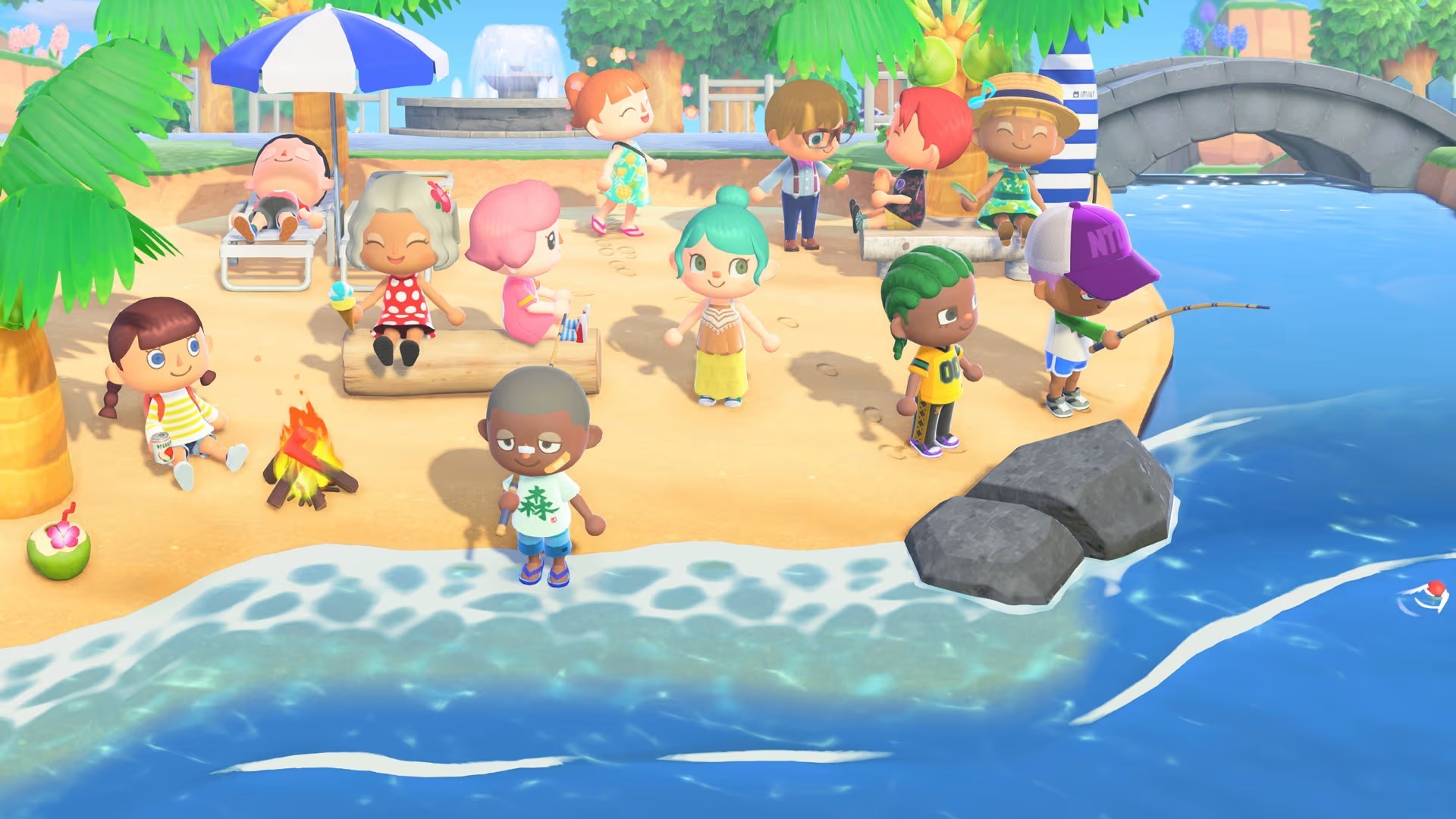
Learn how to safely transfer your Animal Crossing: New Horizons island without losing progress. Step-by-step guide covering island backup, transfer tools, common mistakes, and troubleshooting. Photo by: Nintendo
Moving to Nintendo Switch 2 is cool, but for Animal Crossing: New Horizons fans, it can be a worry. Unlike other games, your island data isn't just linked to your Nintendo Account. It stays on your Switch.
If you switch to a new Switch 2 without doing things right, your island, villagers, stuff, and all your game time could disappear for good.
This guide will tell you how to move your Animal Crossing island to Switch 2 safely, using Nintendo's tools and the right steps.
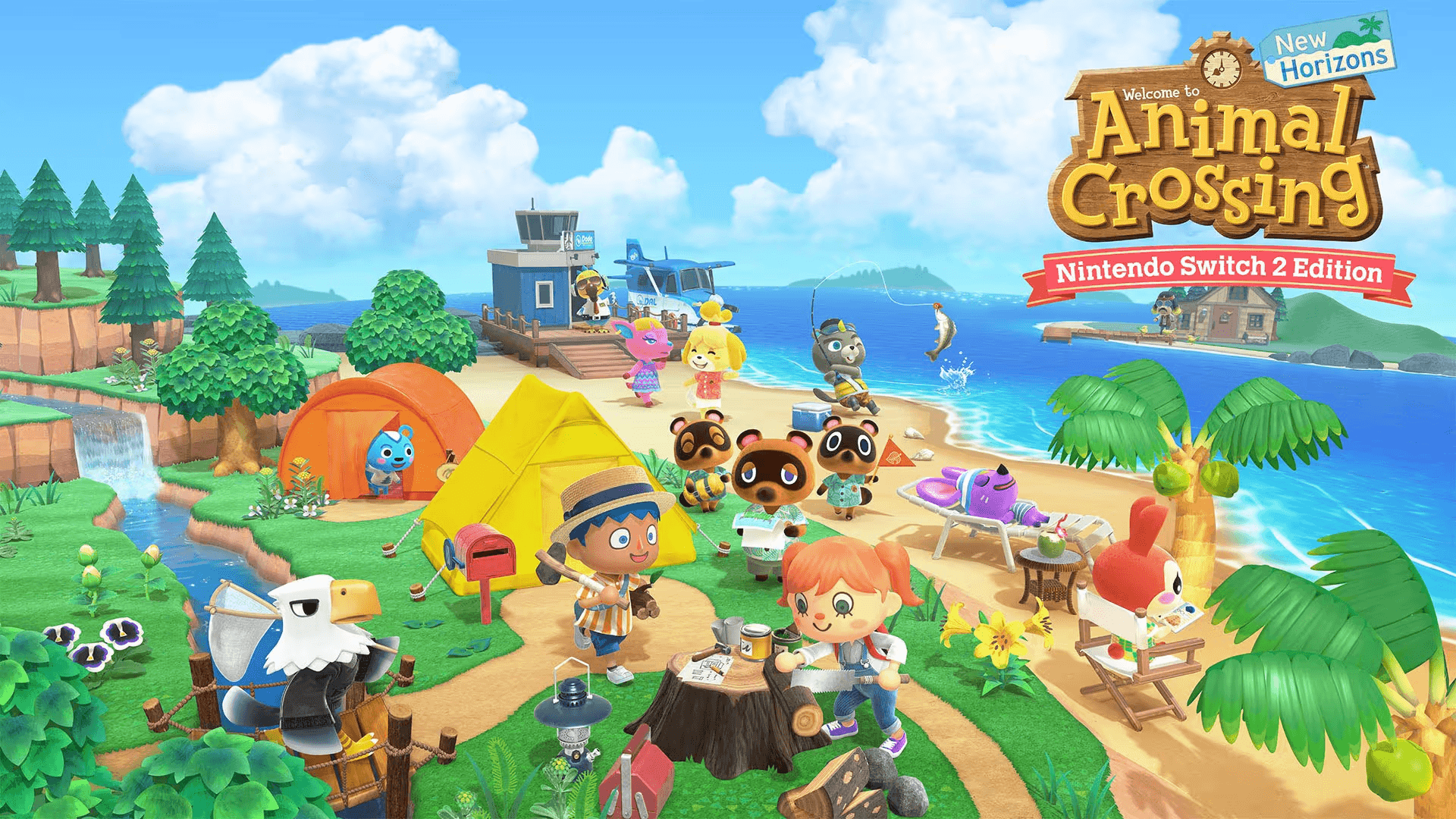
Before you begin, it's important to know how Animal Crossing saves your progress.
Each Nintendo Switch console can only have one island.
Your save data is kept on the device itself, not on the game card.
Regular cloud saves aren't automatically supported.
You'll need a specific Nintendo application to move your island.
Moving Animal Crossing to a new Switch is not the same as transferring other games.
Make sure you have these things ready:
Requirement | Why It Matters |
|---|---|
Original Nintendo Switch | Contains your island data |
Nintendo Switch 2 | Destination console |
Nintendo Account | Required for transfer |
Animal Crossing: New Horizons installed | On both consoles |
Stable internet connection | Needed for transfer |
Latest system update | Prevents errors |
Island Transfer Tool | Official Nintendo app |
Skipping any of these can cause transfer failures.
Nintendo has a free app to help you move your Animal Crossing: New Horizons island to a new system. It's called the Island Transfer Tool.
Okay, here's how to move your Animal Crossing: New Horizons island to a new Switch:
Go to the Nintendo eShop on both your old Switch and your Switch 2.
Search for and download the Island Transfer Tool on both consoles.
Install the tool on both systems.
You have to use this tool; don't try to move your save data manually.
Okay, here's how to move your island to a new Switch:
Start the Island Transfer Tool on your original Switch.
Pick Source Console.
Make sure the island shown is the one you want to move.
Do what the screen tells you to do.
Keep your Switch turned on during the transfer.
Don't close the app or let the Switch go to sleep.
Here’s how to move your island to Switch 2:
Open the Island Transfer Tool.
Pick Target Console.
Log in with your Nintendo Account.
Say yes when it asks if you're ready to get the island data.
If you've started Animal Crossing on Switch 2, it might ask you to delete the current island first.
Once both consoles are ready:
The system will establish a secure connection
Island data will transfer automatically
This process can take several minutes
Do not interrupt power
Do not close the app
Do not disconnect Wi-Fi
When you're done, you can play your entire island on Switch 2.
Item | Result |
|---|---|
Island data | Moves to Switch 2 |
Villagers | Preserved |
Items & bells | Preserved |
Island layout | Preserved |
Original Switch island | Removed |
Nintendo Account | Still active on both consoles |
If you don't back up your old Switch before getting a new one, your island will be gone. You can get it back if you restore from a backup later.
Nintendo has an Island Backup feature to give you extra protection.
Launch Animal Crossing on Switch 2
Press - at the title screen
Speak to Tom Nook
Enable Island Backup
Ensure Nintendo Switch Online is active
This keeps your island safe if something happens to your console, like if it gets lost, stolen, or broken.
Under no circumstances should you use them.
Selling or resetting your old Switch before transfer
Assuming Nintendo Account cloud save works automatically
Forgetting to install the Island Transfer Tool
Using different Nintendo Accounts
Launching a new island on Switch 2 before transfer
Power interruption during transfer
These errors are the main reason islands disappear.
If you just want to move one person, not the whole island:
Use Resident Move instead of Island Transfer
Requires both consoles and local connection
Does not move island ownership
This comes in handy for shared island or family arrangements.
Issue | Solution |
|---|---|
Tool won’t detect consoles | Check Wi-Fi and updates |
“No island found” error | Confirm Animal Crossing save exists |
Transfer freezes | Restart both consoles and retry |
Account mismatch | Use the same Nintendo Account |
Island already exists | Delete target island and retry |
If you still have issues, Nintendo Support can help restore your island using Island Backup.
Only if Island Backup was enabled beforehand and Nintendo Support assists.
No. Save data is stored on the console, not the game card.
No. The transfer moves the island; it does not duplicate it.
No. The Island Transfer Tool works across Switch generations.
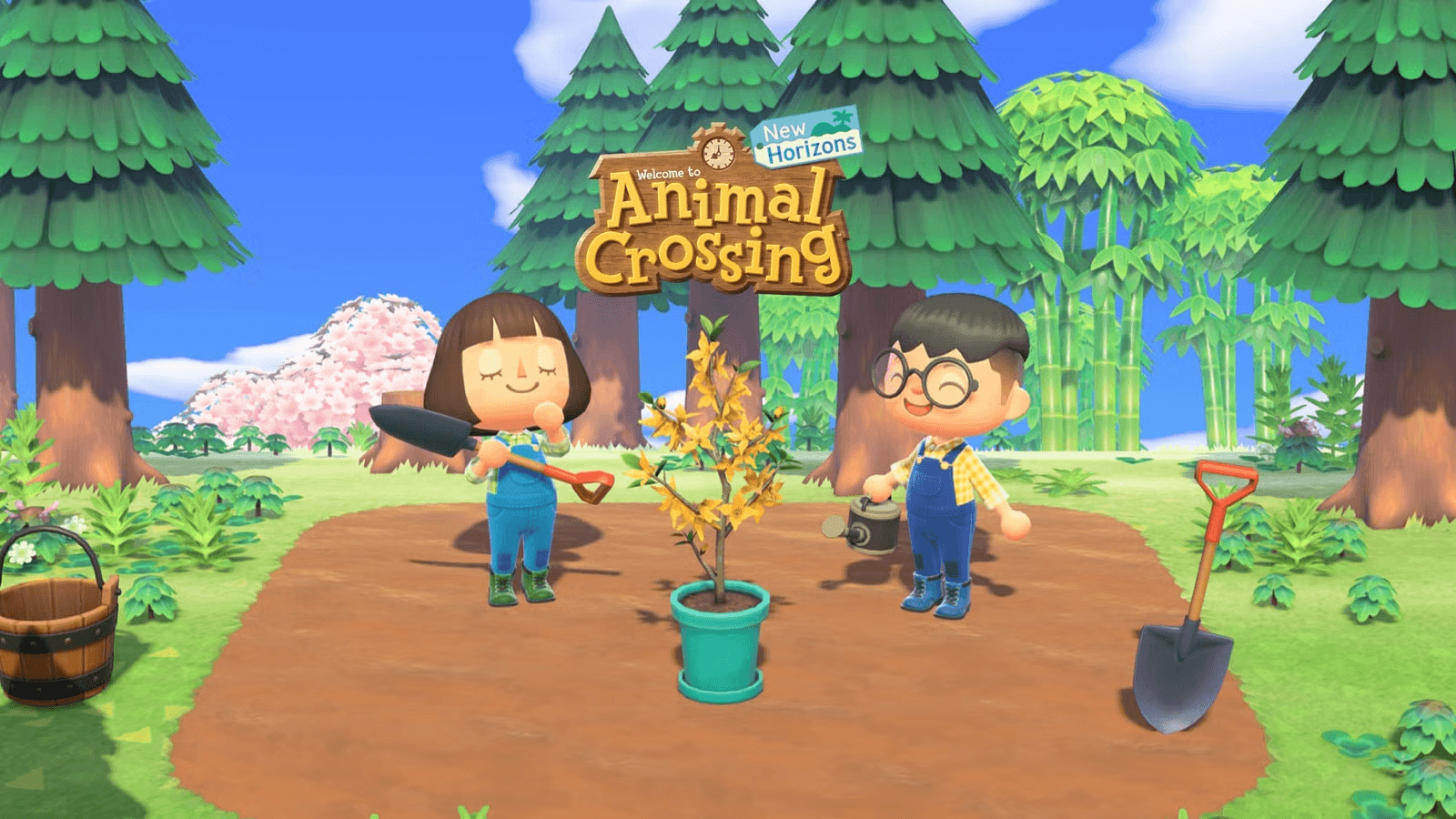
Moving your Animal Crossing: New Horizons island to Switch 2 is safe if you do it right. Nintendo has an Island Transfer Tool that lets you keep everything - your villagers, items, and all your memories. Just be sure to use the tool the correct way.
Go slow, check everything twice, and don't reset your old console until the transfer's done.