

RDR2

RDR2

How to See Time in Red Dead Redemption 2 on PC

Nitesh Bandekar

Saturday, January 3, 2026

3 min read

how to check time in Red Dead Redemption 2 PC, RDR2 PC time check, Red Dead Redemption 2 time PC, RDR2 HUD clock PC, RDR2 pocket watch time, how to use pocket watch RDR2 PC, RDR2 in game time PC, Red Dead Redemption 2 clock PC, RDR2 map time display, RDR2 pause menu time, RDR2 HUD settings clock, RDR2 time not showing, RDR2 skip time PC, RDR2 sleep to pass time, RDR2 waiting mechanics, RDR2 store hours time, RDR2 mission time requirements, RDR2 animal behavior time, RDR2 day night cycle PC

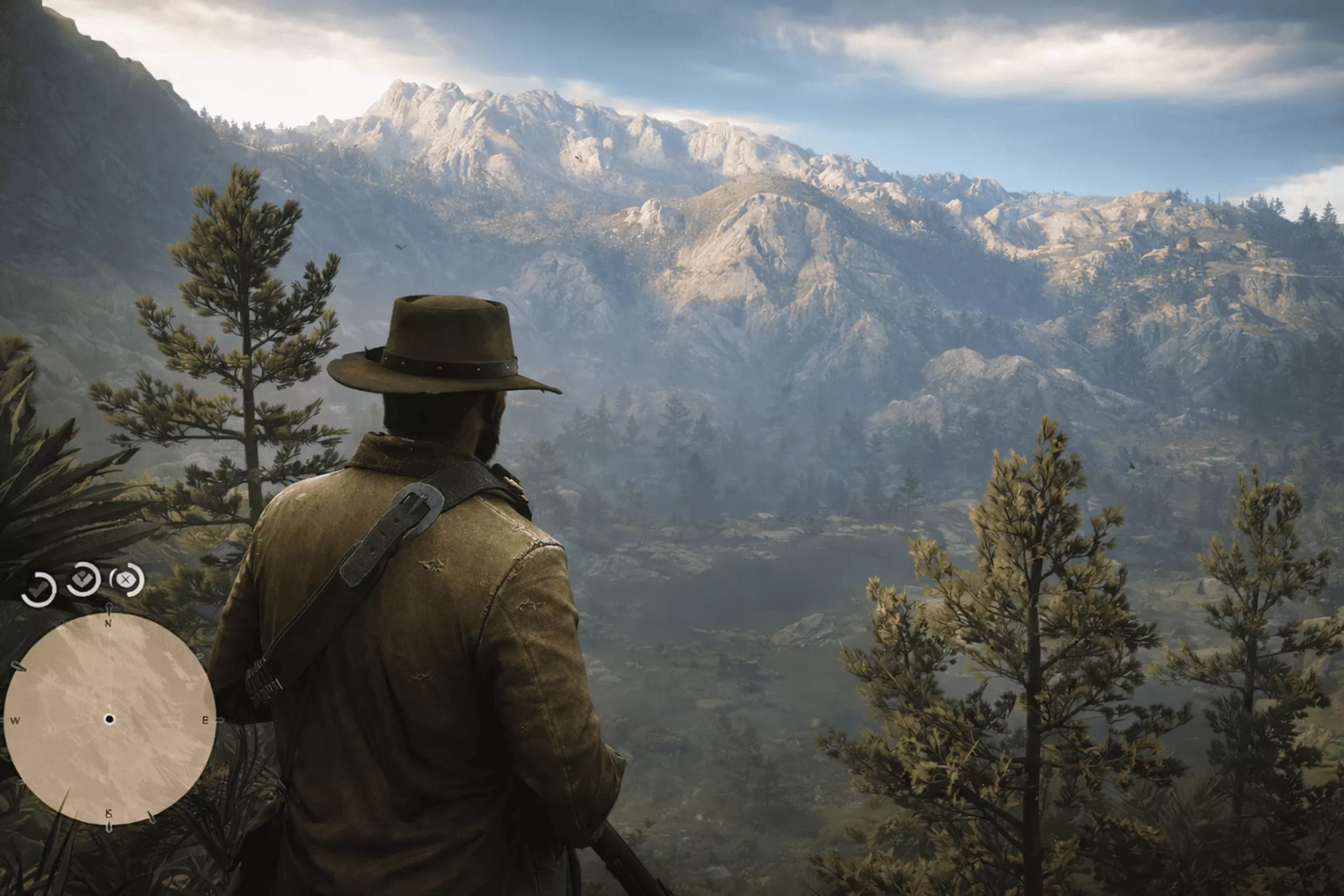
How to check the in-game time in Red Dead Redemption 2 on PC using the HUD, pocket watch, pause menu, and map. Photo by: GAMINGbible

In Red Dead Redemption 2 on PC, seeing the time isn't always easy. The game keeps the clock low-key to keep you in the moment, unlike other open-world titles.

Luckily, there are a few easy ways to check the time. This is useful when you're planning missions, hunting, or just waiting for stores to open.

This guide will show you how to check the time in RDR2 on PC, plain and simple.
Method 1: Check the HUD Clock (Default Way)


how to check time in Red Dead Redemption 2 PC, RDR2 PC time check, Red Dead Redemption 2 time PC, RDR2 HUD clock PC, RDR2 pocket watch time, how to use pocket watch RDR2 PC, RDR2 in game time PC, Red Dead Redemption 2 clock PC, RDR2 map time display, RDR2 pause menu time, RDR2 HUD settings clock, RDR2 time not showing, RDR2 skip time PC, RDR2 sleep to pass time, RDR2 waiting mechanics, RDR2 store hours time, RDR2 mission time requirements, RDR2 animal behavior time, RDR2 day night cycle PC

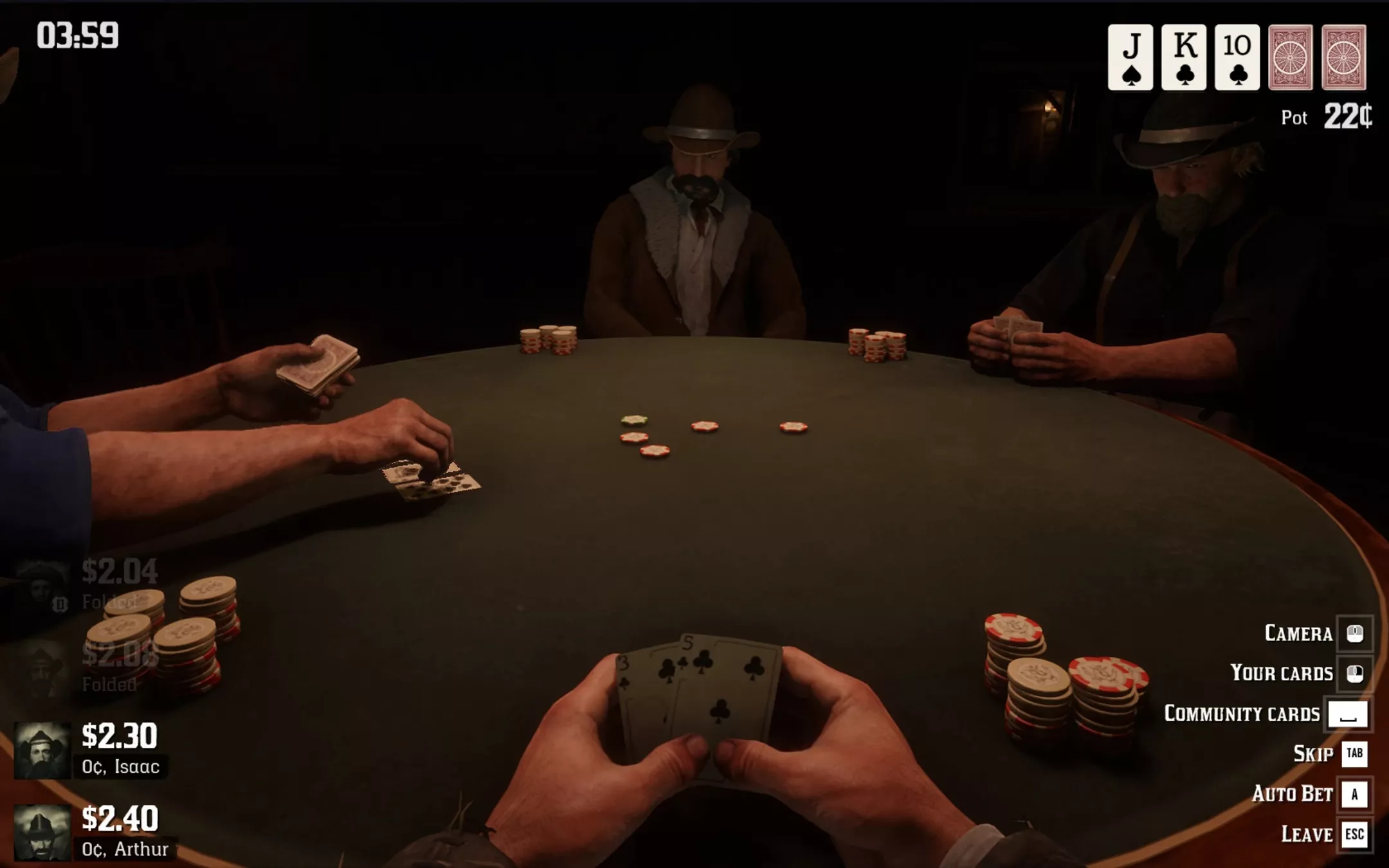
RDR2 shows a little clock on the screen by default.

How it Works

  • Look at the bottom-right corner of the screen

  • A small analog clock icon appears

  • The hands show the current in-game time

Important Notes

  • The clock only appears when the HUD is visible

  • If your HUD is set to “Minimal” or “Off,” the clock may not show

How to Enable It

  1. Press Esc

  2. Go to Settings

  3. Open Display

  4. Set HUD Preset to Standard or Expanded

Need to know the time on the go? This is the quickest way.
Method 2: Use the Pocket Watch (Most Immersive)


how to check time in Red Dead Redemption 2 PC, RDR2 PC time check, Red Dead Redemption 2 time PC, RDR2 HUD clock PC, RDR2 pocket watch time, how to use pocket watch RDR2 PC, RDR2 in game time PC, Red Dead Redemption 2 clock PC, RDR2 map time display, RDR2 pause menu time, RDR2 HUD settings clock, RDR2 time not showing, RDR2 skip time PC, RDR2 sleep to pass time, RDR2 waiting mechanics, RDR2 store hours time, RDR2 mission time requirements, RDR2 animal behavior time, RDR2 day night cycle PC

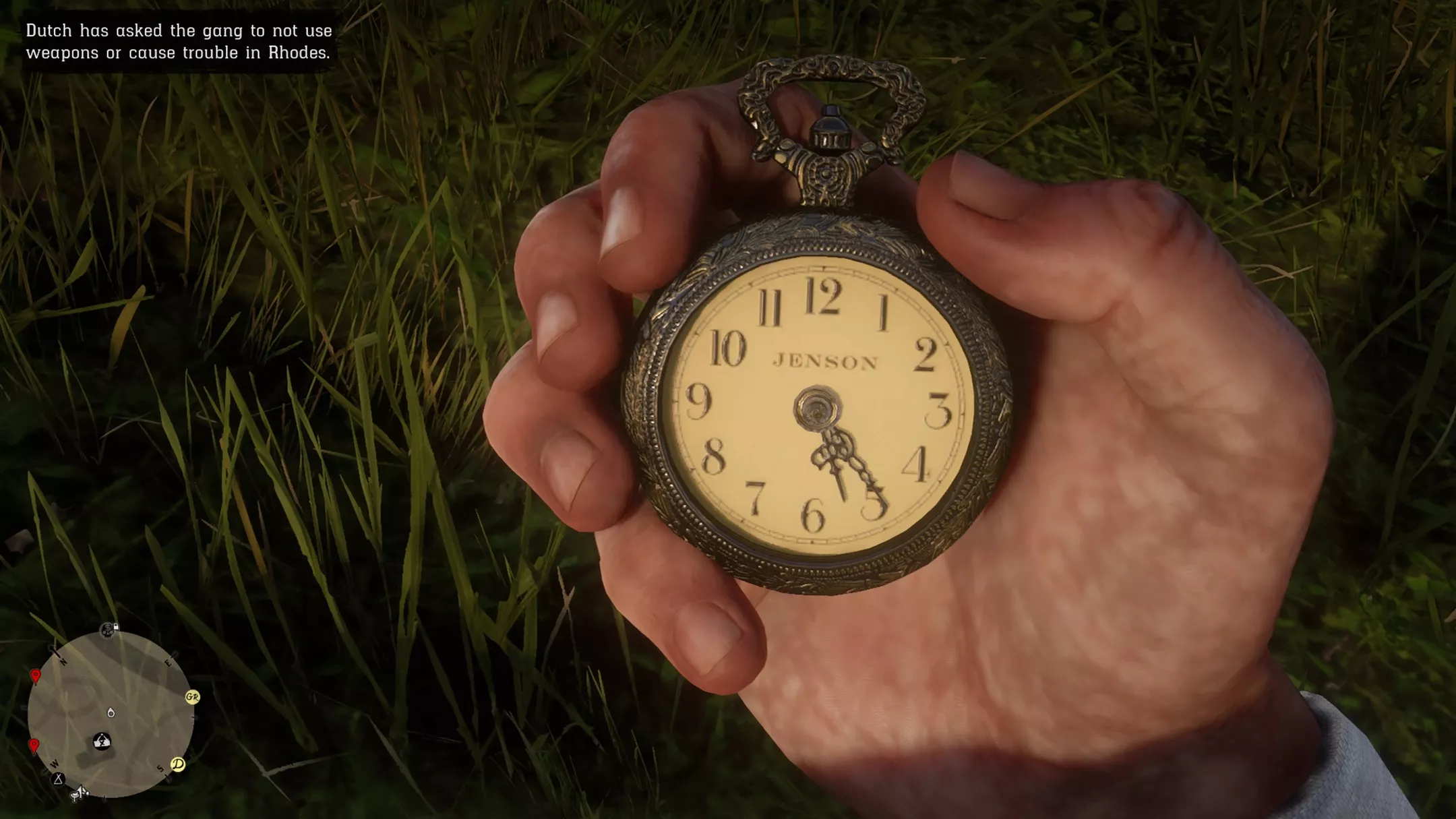
Arthur Morgan has a pocket watch that shows the actual time in the game.

How to Use the Pocket Watch

  1. Hold Tab to open the Weapon Wheel

  2. Switch to the Items tab

  3. Select Pocket Watch

  4. Release Tab to view the time

The watch shows:

  • Hour and minute

  • Whether it's day or night

Tip

You can grab different pocket watches, but they all tell the same time. This even works if you turn off your display.
Method 3: Pause Menu Time Display


how to check time in Red Dead Redemption 2 PC, RDR2 PC time check, Red Dead Redemption 2 time PC, RDR2 HUD clock PC, RDR2 pocket watch time, how to use pocket watch RDR2 PC, RDR2 in game time PC, Red Dead Redemption 2 clock PC, RDR2 map time display, RDR2 pause menu time, RDR2 HUD settings clock, RDR2 time not showing, RDR2 skip time PC, RDR2 sleep to pass time, RDR2 waiting mechanics, RDR2 store hours time, RDR2 mission time requirements, RDR2 animal behavior time, RDR2 day night cycle PC

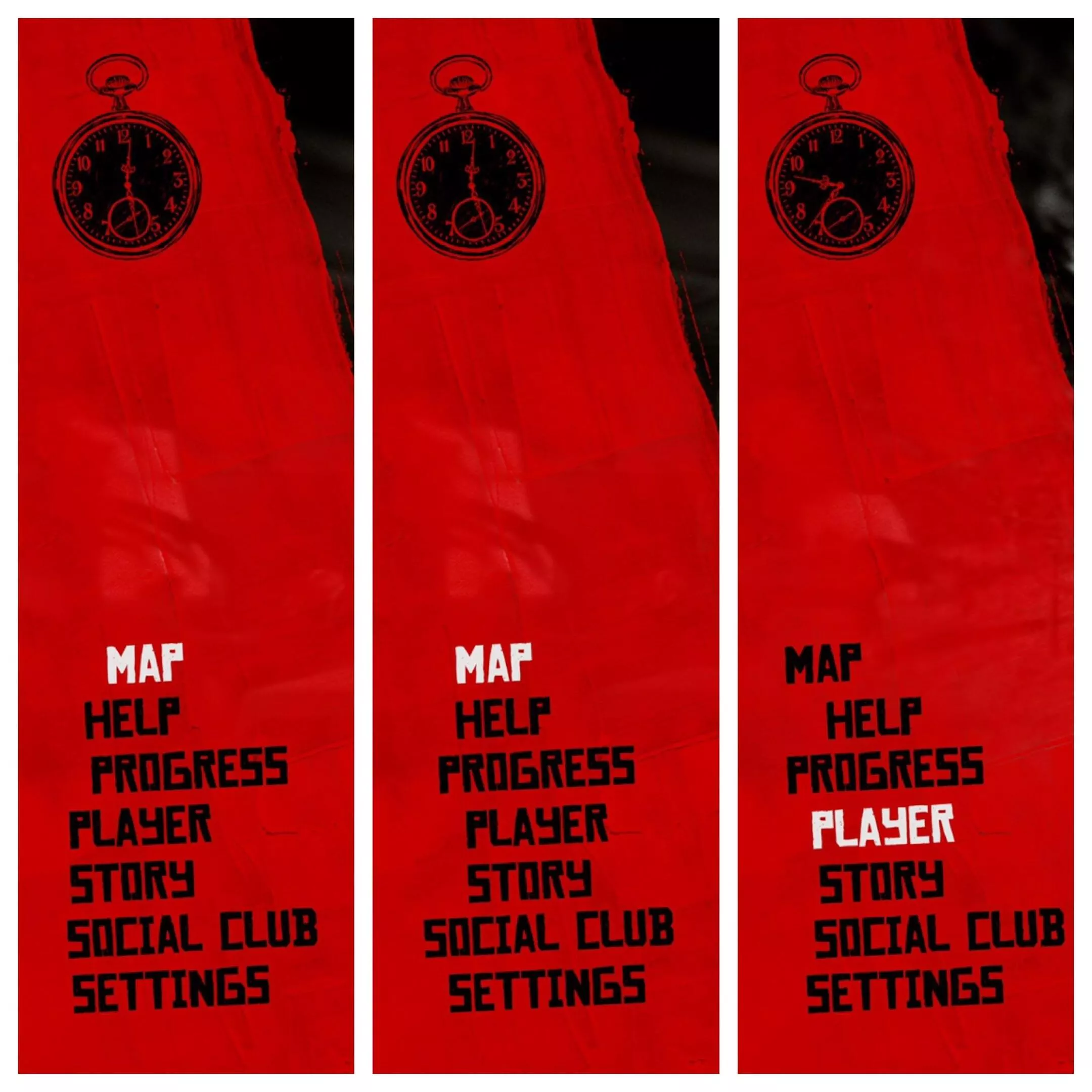
You can check the time in the pause menu.

Steps

  1. Press Esc

  2. Open the Map

  3. Look at the top corner of the screen

You can see the in-game time next to:

  • Temperature

  • Location information

This comes in handy when you're planning a trip or keeping an eye on the clock for something.

Method 4: Use the Map Screen Directly

Even when the map is open (but not fully paused), you can still see the time.

Best Use Cases


  • Setting up heists or special ops

  • Staking out stores for opening or closing

  • Timing things that happen at night or early morning
Why Time Matters in RDR2


how to check time in Red Dead Redemption 2 PC, RDR2 PC time check, Red Dead Redemption 2 time PC, RDR2 HUD clock PC, RDR2 pocket watch time, how to use pocket watch RDR2 PC, RDR2 in game time PC, Red Dead Redemption 2 clock PC, RDR2 map time display, RDR2 pause menu time, RDR2 HUD settings clock, RDR2 time not showing, RDR2 skip time PC, RDR2 sleep to pass time, RDR2 waiting mechanics, RDR2 store hours time, RDR2 mission time requirements, RDR2 animal behavior time, RDR2 day night cycle PC

How time works in Red Dead Redemption 2 affects:

  • Store Hours: Most shops close in the evening.

  • NPC Schedules: Non-player characters have daily routines.

  • Mission Availability: Missions are available at certain times.

  • Random Encounters: Expect unexpected events.

  • Animal Behavior: Animals act in realistic ways.

  • Lighting and Weather: Lighting and weather change.

Being aware of the time lets you play better and cuts down on wasted waiting.

How to Skip Time (Optional Tip)

If you'd rather not wait:

Sleep

  • Use beds at camps, hotels, or safe houses

  • Sleeping advances time significantly

Wait

  • Sit or rest at certain locations

  • Time advances faster than normal gameplay

Common Issues: Time Not Showing

Clock Not Visible on HUD


  • HUD preset changed to Minimal.

  • The UI elements are now hidden.

  • The HUD will temporarily fade while you explore.

Go to your settings and change your HUD to either Standard or Expanded.

Pocket Watch Missing


  • Look for it early on.

  • If it's not there, check your stuff.

Quick Comparison of All Methods


Method

Always Visible

Immersive

Fast Access

HUD Clock

Yes (with HUD)

Medium

Yes

Pocket Watch

Yes

High

Medium

Pause Menu

Yes

Low

Medium

Map Screen

Yes

Low

Medium

Best Way to Check Time on PC

For the average player:

  • HUD clock is quick.

  • Pocket watch really pulls you in.

With both options, you get complete control and keep the experience real.

Final Answer

Here's how you can check the time in Red Dead Redemption 2 on PC:

  • Look at the clock on the Heads-Up Display (HUD).

  • Use your item wheel to select and check your pocket watch.

  • Open the map or pause the game.

The game doesn't make a big deal out of time. Once you get the hang of it, it's easy to keep track.

Share this article

Related Articles

Related Articles

Related Articles