
Gaming
Jan 23, 2026
A simple beginner-friendly guide explaining the most common PC-building mismatches and how to avoid them when choosing parts for your first gaming PC. Photo by: Unsplash
Building your first gaming PC is exciting, but it can feel like a lot. There are many things to learn, like chipset names, sizes, GPU space, BIOS, wattage, cables, and how new parts are different from old ones. It’s easy to pick parts that don’t work well together.
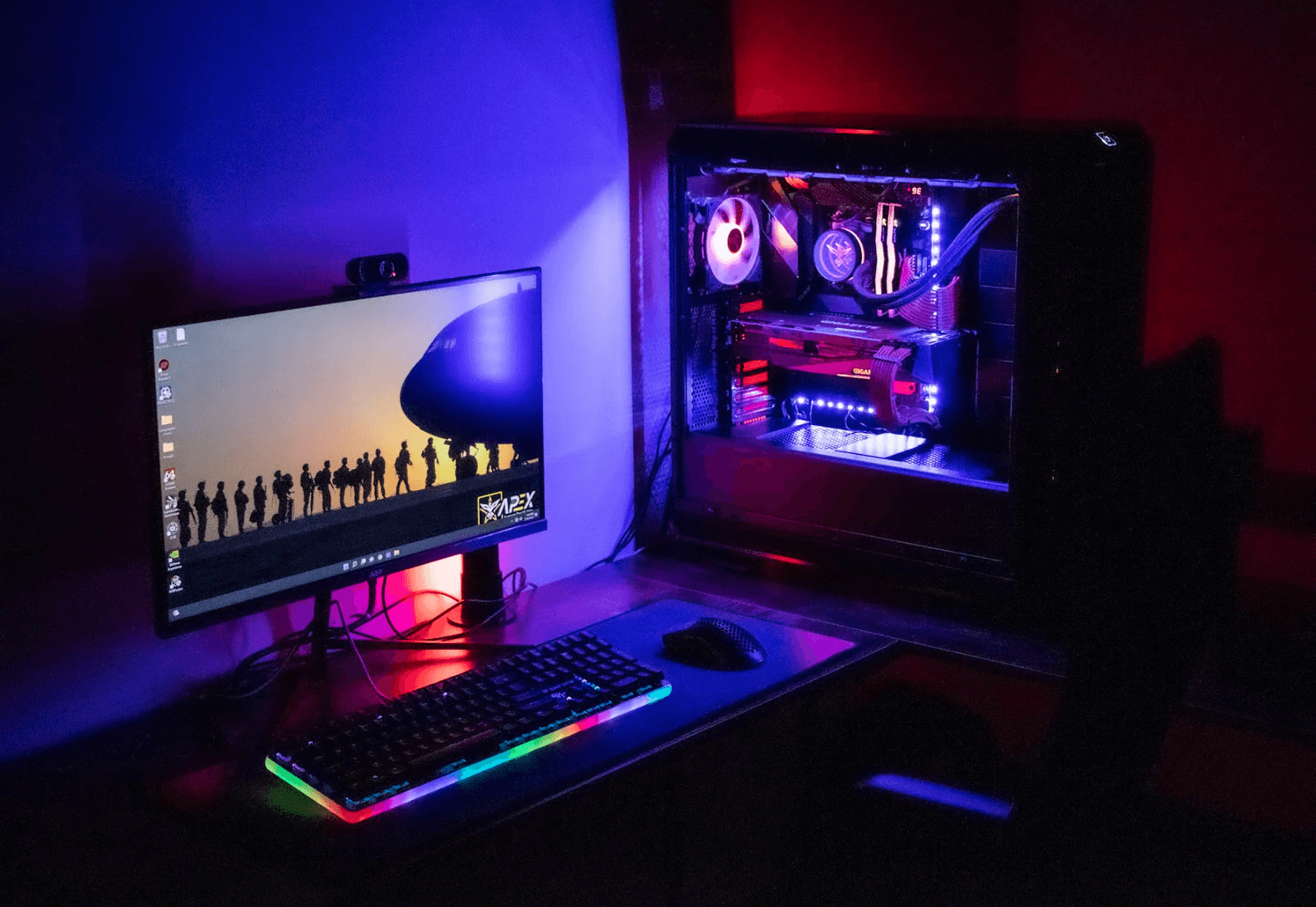
Each year, many first-time builders find out about these issues too late:
The CPU doesn’t match the board.
The case is too small for the GPU.
The power supply lacks the right cables.
The RAM isn’t supported.
The cooler doesn’t fit.
The BIOS needs updating before starting.
The good news is that you can avoid these issues if you know what to do.
This guide breaks down common PC-building mismatches and how to prevent them.
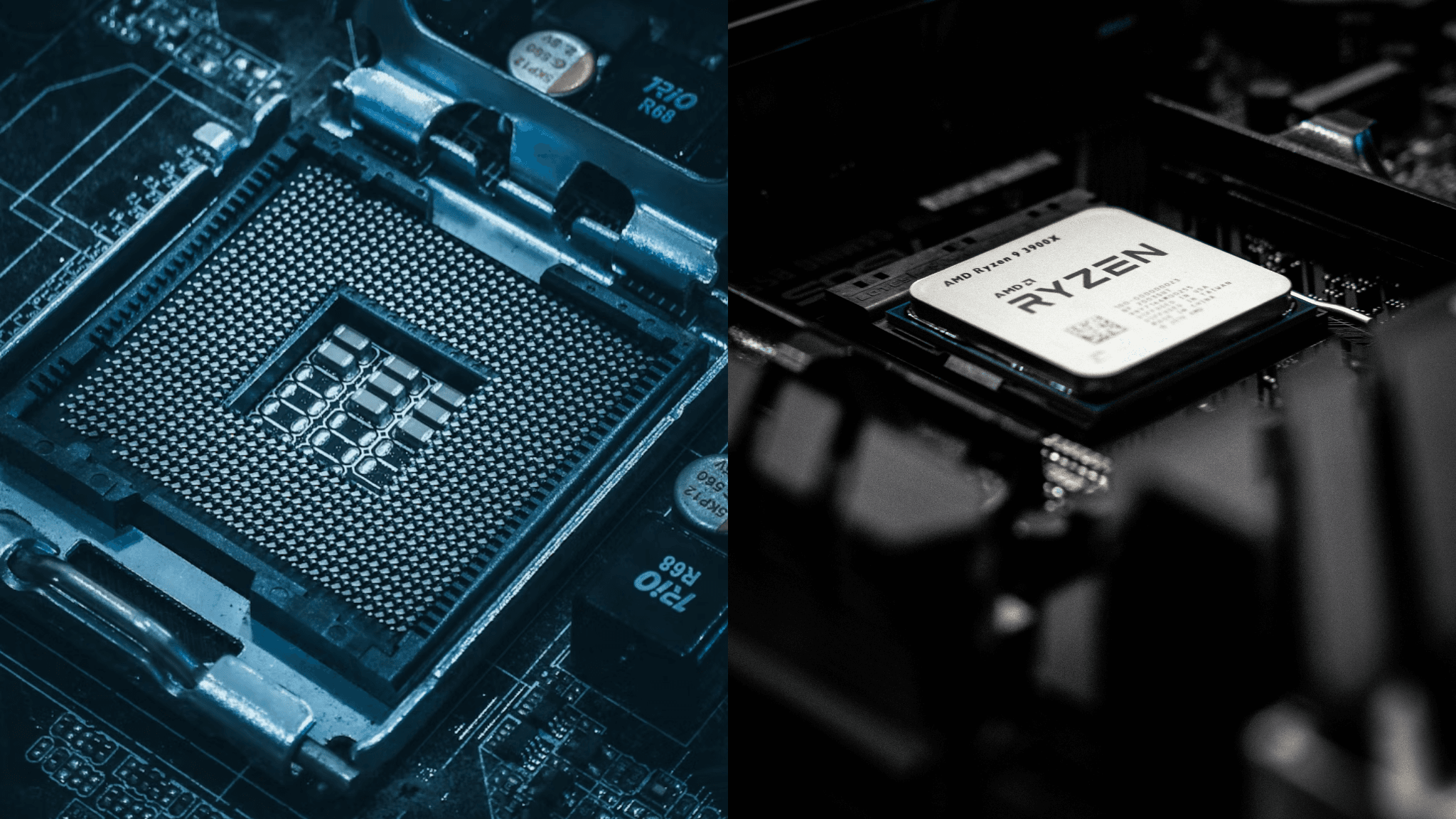
A common mistake is assuming any CPU works with any board. Here's what to be aware of:
Intel CPUs need specific chipsets (like Z790, B760, H610).
AMD Ryzen CPUs need boards with the right socket (AM5 or AM4).
Rule: Always match:
Brand | CPU Socket | Boards |
|---|---|---|
Intel 12th-14th Gen | LGA1700 | B760, Z790, H770 |
AMD Ryzen 7000+ | AM5 | B650, X670, B650E |
Older Ryzen (2017-2022) | AM4 | B450/B550/X570 |
Tip: Check the board's website for its CPU list, not just the seller's page.
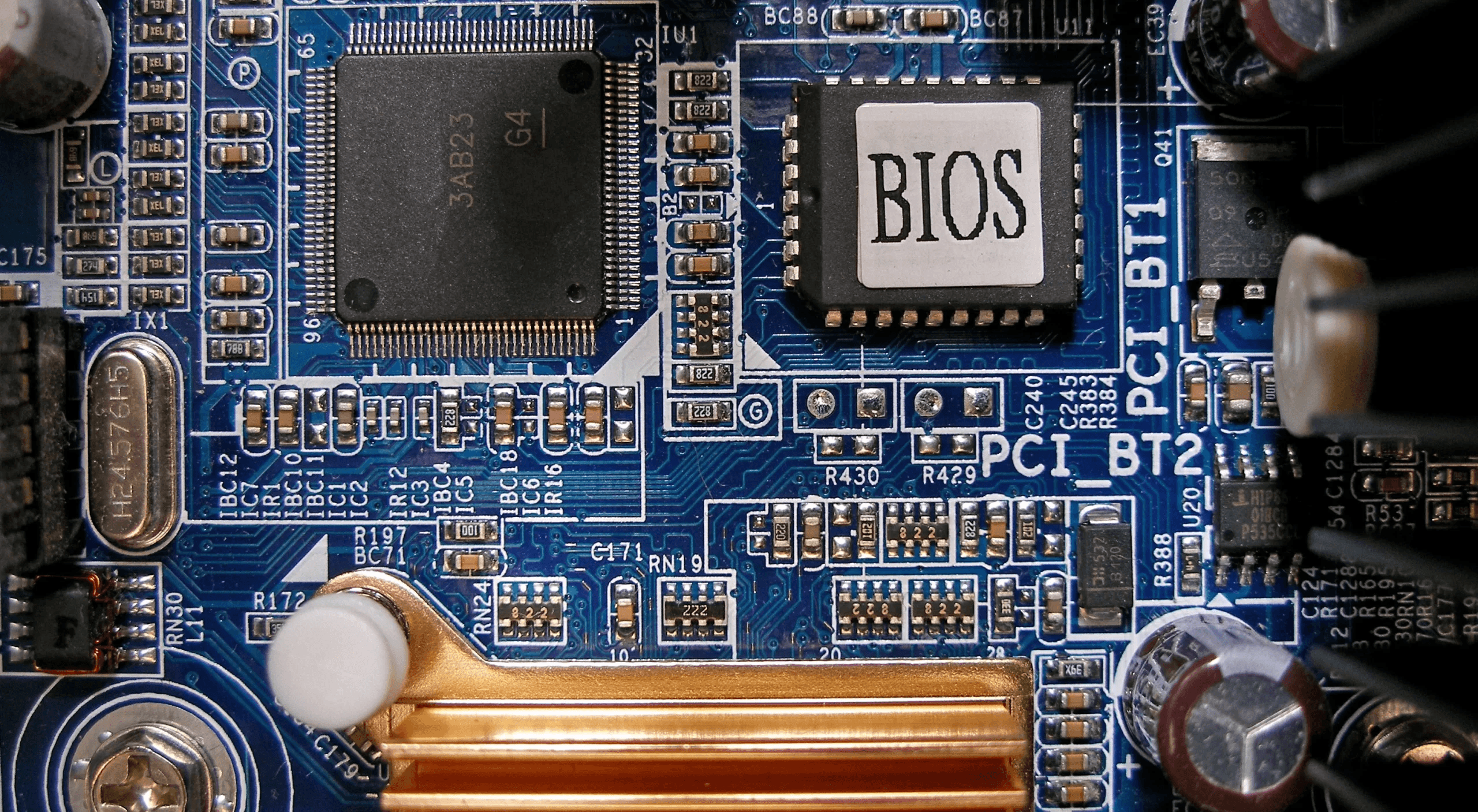
Even with the correct socket, some boards have old software that won’t run newer CPUs.
“BIOS update may be needed for 14th-gen Intel / Ryzen 8000 CPU”
You’ll need:
A BIOS FlashBack button, OR
An older CPU to complete the update.
If your board says things like:
“Ready for Ryzen 7000”
“Intel 14th-gen ready”
Then you're all set.
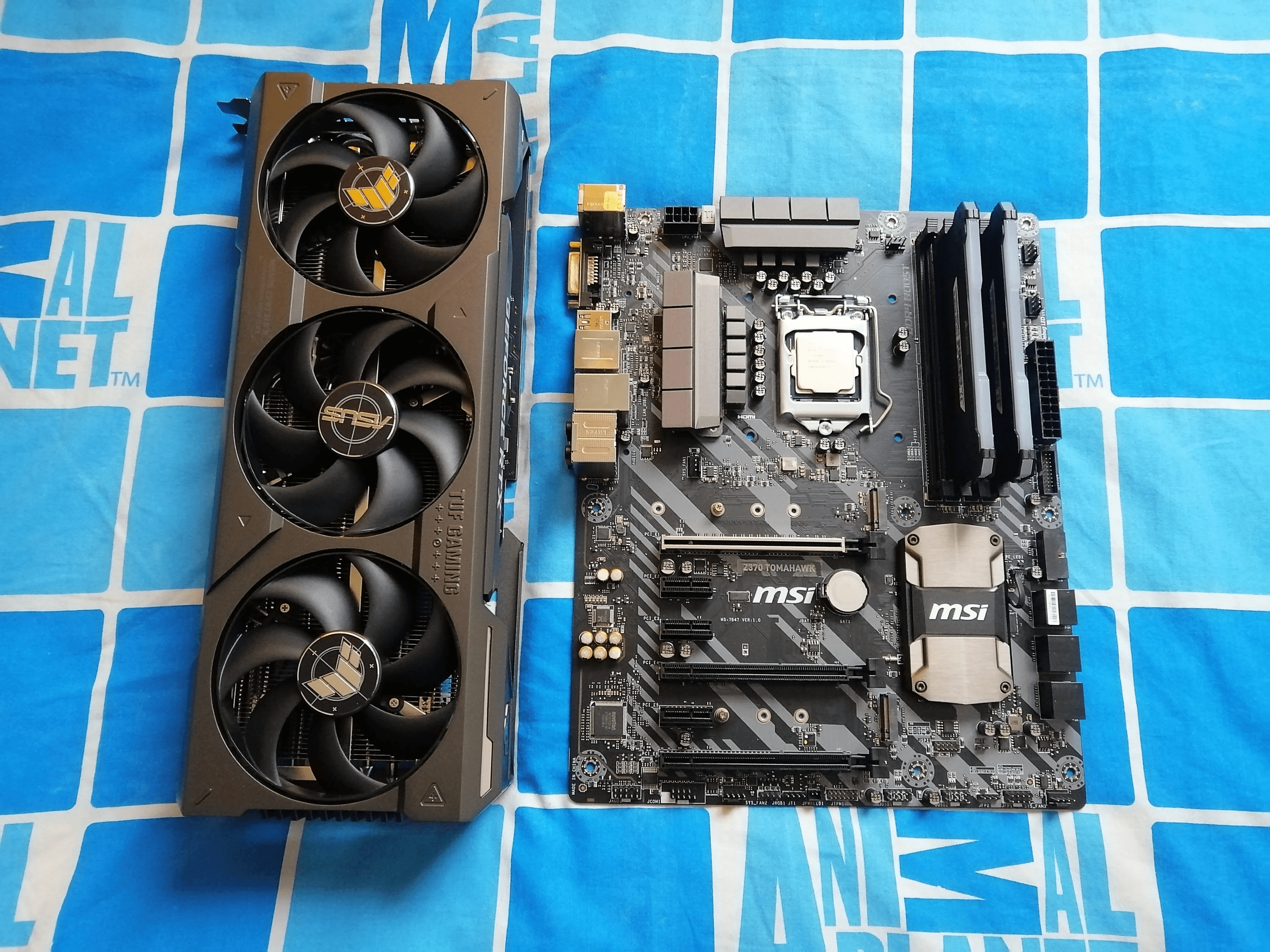
New GPUs, like RTX 4080/4090 and Radeon 7900 XTX, are bigger than old ones.
Measure:
GPU Length
GPU Width (2.5-4 slots)
Case GPU space
Radiator space (if using AIO cooling)
For Example:
A Fractal Torrent Nano won’t fit a 4090, but a Lian Li O11 Dynamic XL will.
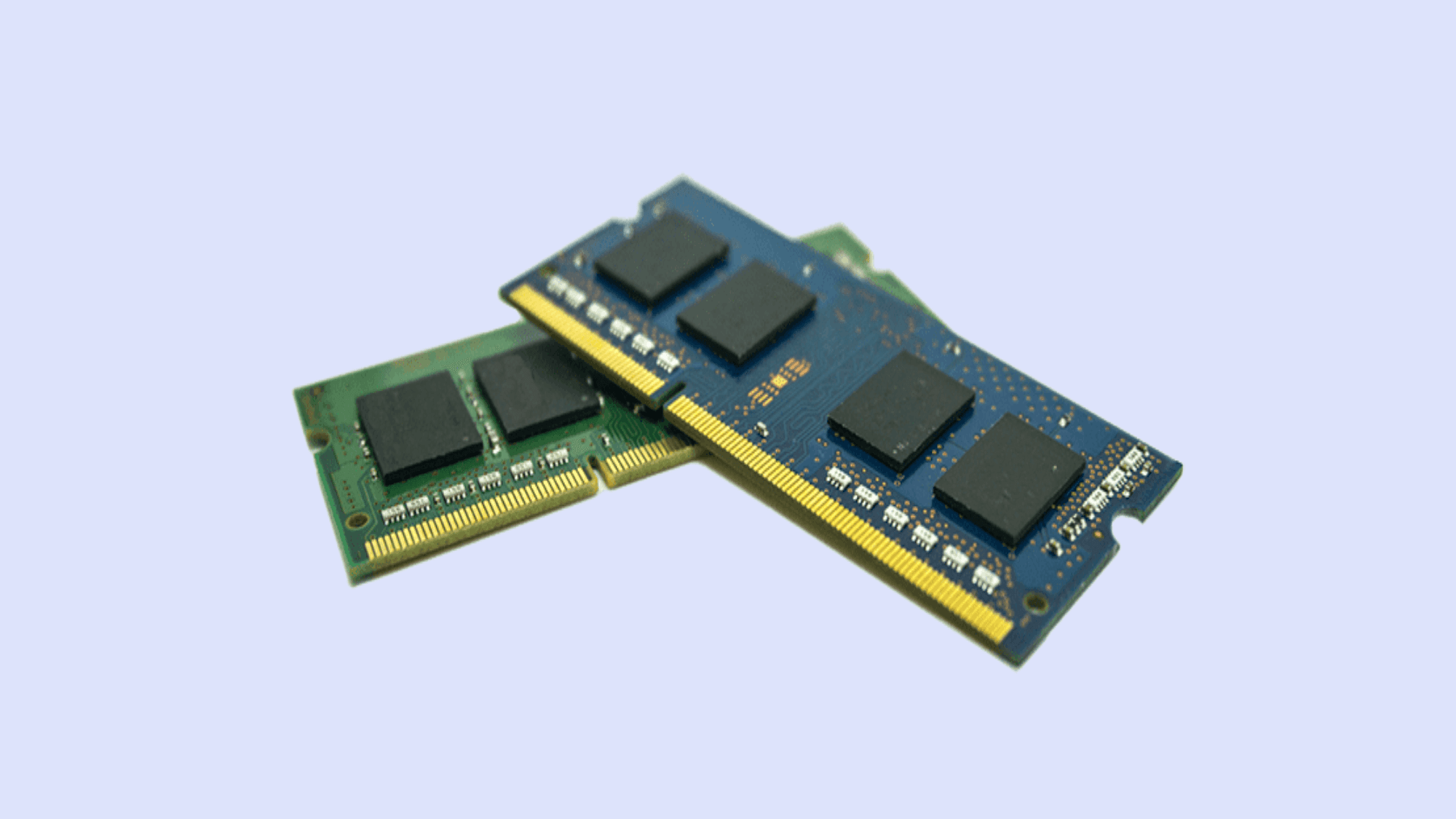
RAM needs to match:
Type (DDR4 or DDR5 - can't mix)
Speed (MHz - 5600 MT/s, 6000 MT/s, etc.)
Board max speed
CPU recommended speed
Current Advice (2026):
Intel 14th Gen: DDR5-6000 to DDR5-7200
AMD Ryzen 7000/8000: DDR5-6000 EXPO (best with Infinity Fabric)
Don’t mix RAM kits. Always use a matched kit.
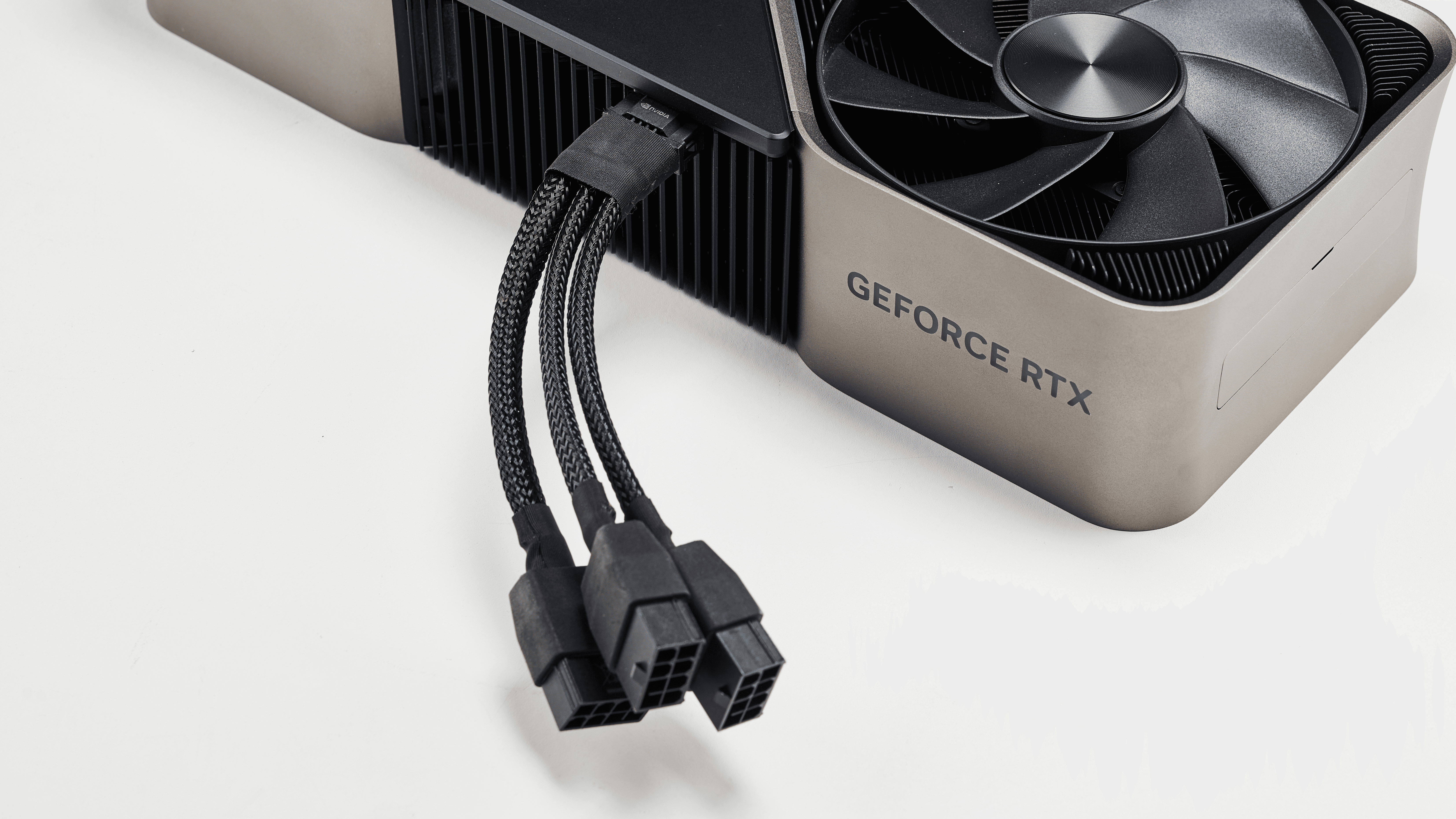
New GPUs need certain cables and wattage.
Check:
PSU wattage meets GPU needs
PSU has the right connector (8-pin PCIe or 12VHPWR)
PSU is 80+ Gold or better (for gaming)
GPU Tier | PSU |
|---|---|
RTX 4060 / RX 7600 | 550-650W |
RTX 4070 / 7800 XT | 650-750W |
RTX 4080 / 7900 XTX | 850W |
RTX 4090 / 4080 Super | 1000W+ ATX 3.0 PSU |
AIO and air coolers need different mounts.
AMD AM5 / AM4 use different brackets
Intel LGA1700 coolers need new plates
Also check:
Cooler Type | Space Needed |
|---|---|
Tower Air Cooler | Case CPU space (mm) |
AIO Liquid Cooler | Radiator + fan space |
ITX builds | Low-profile cooler |
New boards support:
M.2 NVMe Gen4/Gen5 SSDs
SATA SSD/HDD
Mistakes happen when:
Users buy PCIe Gen5 SSDs, but the board only supports Gen4
M.2 heatsinks block the GPU
Not enough M.2 slots for drives
Boards come in sizes:
E-ATX
ATX
Micro-ATX
Mini-ITX
Your case must fit the board size.
For Example:
A NZXT H5 Flow fits mATX and ATX, but not E-ATX.
Two tools make this easy:
PCPartPicker.com
BuildRedux / NZXT Build Checker
These spot power, space, BIOS, and chipset problems.
Final Checklist Before Buying
CPU and board match
RAM type and speed are supported
GPU space is okay
Power supply wattage + cable support
Board size fits the case
Storage matches M.2/SATA
Cooler fits
BIOS is okay
PCPartPicker check
The most common mistake is mixing a CPU with the wrong board socket or old BIOS.
Building needs planning and checks, but tools like PCPartPicker make it easier.
Building your first PC is great, and mismatches don’t have to occur. With planning, tools, and knowing standards, you can build a PC that runs well and lasts.