

Gaming
Jan 23, 2026
Want to play Clash of Clans on your Mac? It's not made for macOS, but there are ways to get it running. This guide for 2025 covers some safe methods to play, such as using emulators or mirroring your iPhone. I'll walk you through the installation and give tips to make the game run smoother. I'll also answer some questions. Photo by: ABGN
Clash of Clans is still a really popular strategy game on phones. Lots of folks play it, and there's a whole world of clans, contests, and seasons to move through. Still, people keep asking one question online.

“Can you play Clash of Clans on a Mac?”
Yes, but you can't do it right out of the box.
Supercell hasn't put out an official macOS version, so you won't find a direct download for MacBooks or iMacs. Still, there's a way around this! With app mirroring and Android emulators, Mac users can still play Clash of Clans without issues. It's legal, and your Supercell ID will sync up just fine.
Clash of Clans is built as a mobile-first title, designed for the touchscreen ecosystem of:
iPhones
iPads
Android devices
Supercell previously supported desktop through Clash of Clans via Google Play for PC in select regions, but macOS never received an official release.
If you're on a Mac, you'll need to use either an Android emulator or screen mirroring from an iPhone or Android phone to play. Just be sure you're using the official game app from the App Store or Google Play for security.
The most popular way to play Clash of Clans on a Mac is using an Android emulator, such as:
BlueStacks (Recommended)
LDPlayer
NoxPlayer (limited support on newer macOS versions)
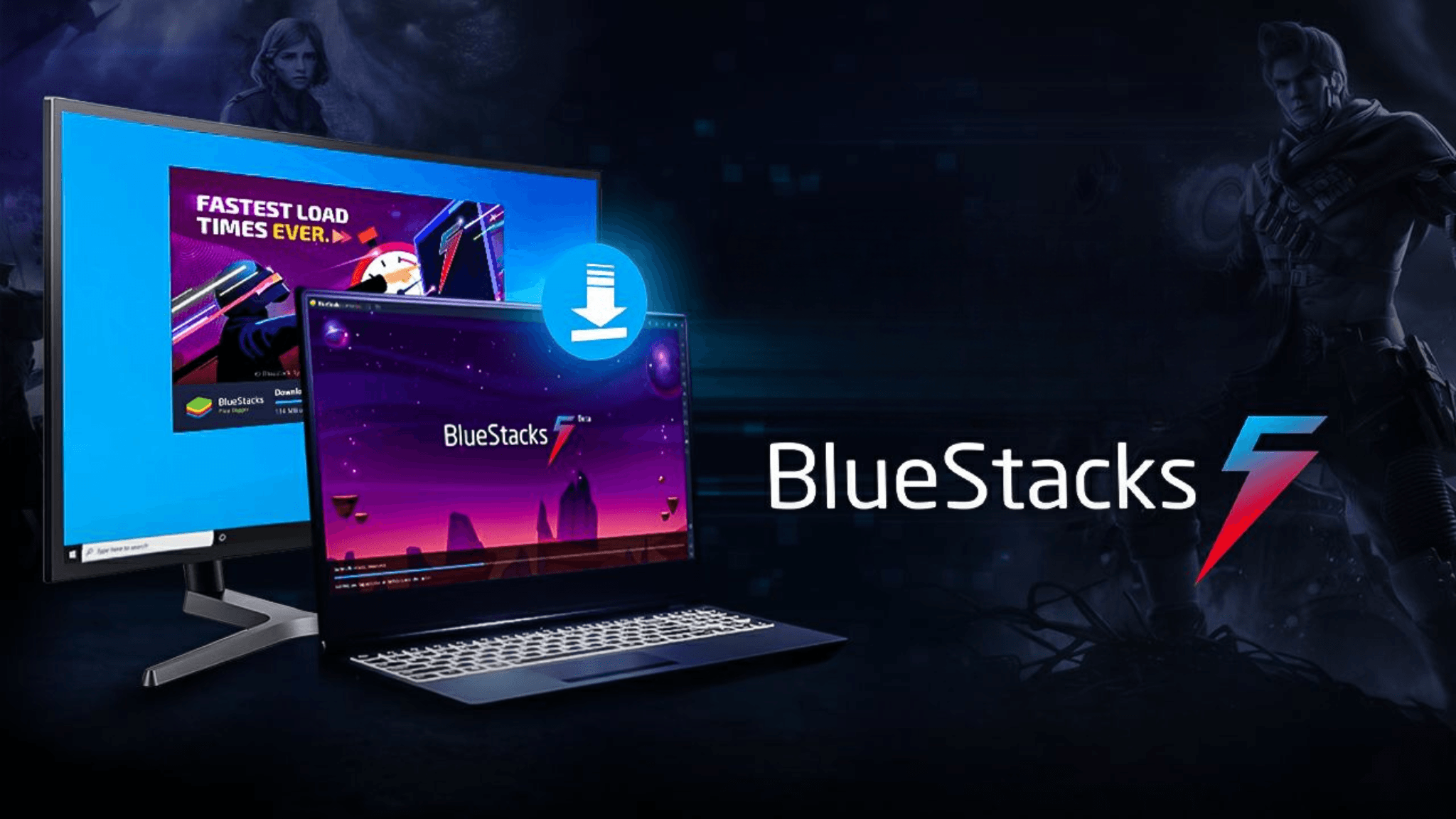
BlueStacks has a dedicated build optimized for:
macOS Ventura & Sonoma
Apple Silicon (M1, M2, M3)
Intel Macs
High refresh rate displays
It also supports keyboard and mouse mapping, making base building and war attacks more precise.
Download BlueStacks from its official website.
Install and grant macOS permission (Security & Privacy → Allow).
Launch BlueStacks and sign in with your Google account.
Open the Google Play Store inside the emulator.
Search for Clash of Clans.
Click Install and wait for the download to complete.
Log in with your Supercell ID to sync progress.
Important: Never use unofficial APKs. Stick to Google Play.
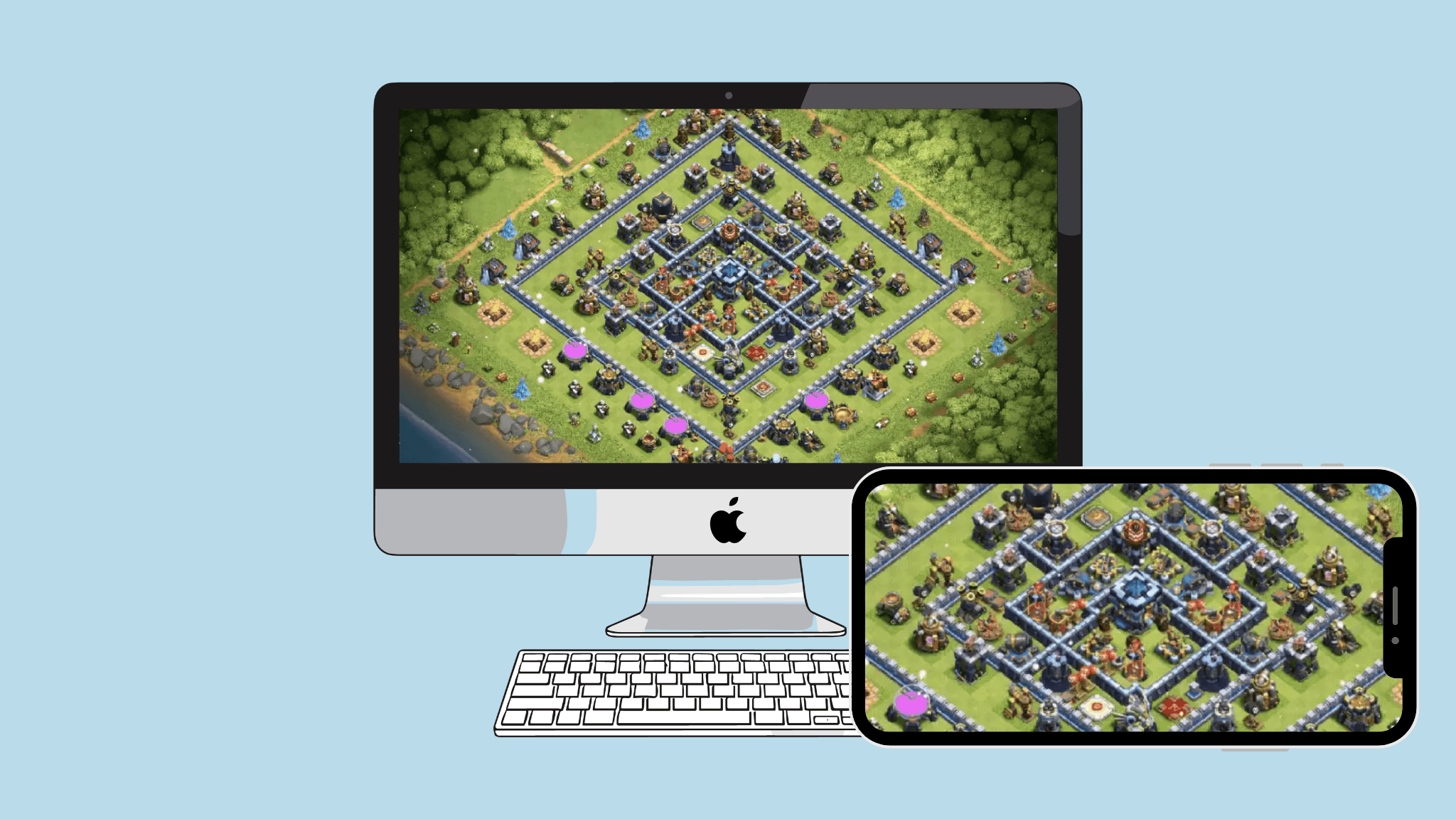
If you already play Clash of Clans on your phone and simply want a bigger screen, mirroring is a valid approach.
Tools that enable this include:
AirPlay (for iPhone → Mac)
AirDroid Cast
Reflector
ApowerMirror
No setup inside an emulator
No risk of performance instability
100% official experience
Touch input is still tied to your phone
Possible latency unless connected via USB
Not ideal for fast Clan War or Legend League raids
Feature | Emulator | Screen Mirroring |
|---|---|---|
Mouse & Keyboard Support | Yes | No |
Best for Farming / Builder Base | Excellent | Good |
Best for Competitive Attacks | Strong (if optimized) | ⚠ Depends on latency |
Battery Drain | None (Mac runs game) | High (phone runs game) |
Software Setup Effort | Medium | Very Low |
Gaming Experience | Desktop-like | Mobile-view on a bigger screen |

Result:
If you want a desktop-style Clash of Clans experience, emulator wins.
If you only want a larger display occasionally, mirroring is enough.
Yep, you can play on multiple devices if you stick to the official game from places like Google Play or the App Store. Also, don't use any mods, bots, or anything like that. Supercell is cool with multi-device play since they made Supercell ID for it.

Enable Performance Mode in emulator settings.
Allocate 4GB-8GB RAM for BlueStacks (if available).
Use USB-C mirroring for lowest latency if using iPhone.
Backup your Supercell ID before switching devices.
No, there is no native macOS version.
Yes, using Supercell ID.
No, unless using cheats, mods or unofficial clients.
Yes, BlueStacks now supports M1, M2 and M3 processors.
Even though Supercell has not released an official Clash of Clans version for macOS, Mac users can still play Clash of Clans safely and smoothly using an Android emulator or device mirroring.
For most players, the best approach in 2025 is:
BlueStacks Emulator + Supercell ID Sync
it offers the best balance of performance, control and long-term stability.
If you simply want a larger screen occasionally, screen mirroring is an easy alternative.