Gaming
Jan 23, 2026
Fortnite freezing mid-game on PC? Learn the exact causes behind random freezes, temporary lockups, and unresponsive gameplay and follow a proven step-by-step fix guide. Photo by: Eurogamer
Is Fortnite freezing while you're playing? It's probably a stability problem, not a performance one. This can happen on both good and okay computers.
The game might freeze for a bit, stop responding, and then start working again or it might make you restart your whole computer.
This guide tells you why Fortnite freezes during games and how to permanently fix it.
Freezing isn't the same as:
Low FPS
Micro-stuttering
Network lag
The game freezes for 2-10 seconds.
Sometimes the audio keeps playing, and sometimes it stops.
The screen stops responding.
No error report pops up.
This usually happens when I'm fighting, moving around the map, or building something.
Freezes usually happen because of problems with how things are displayed, memory trouble, or when something in the system interrupts what you're doing.
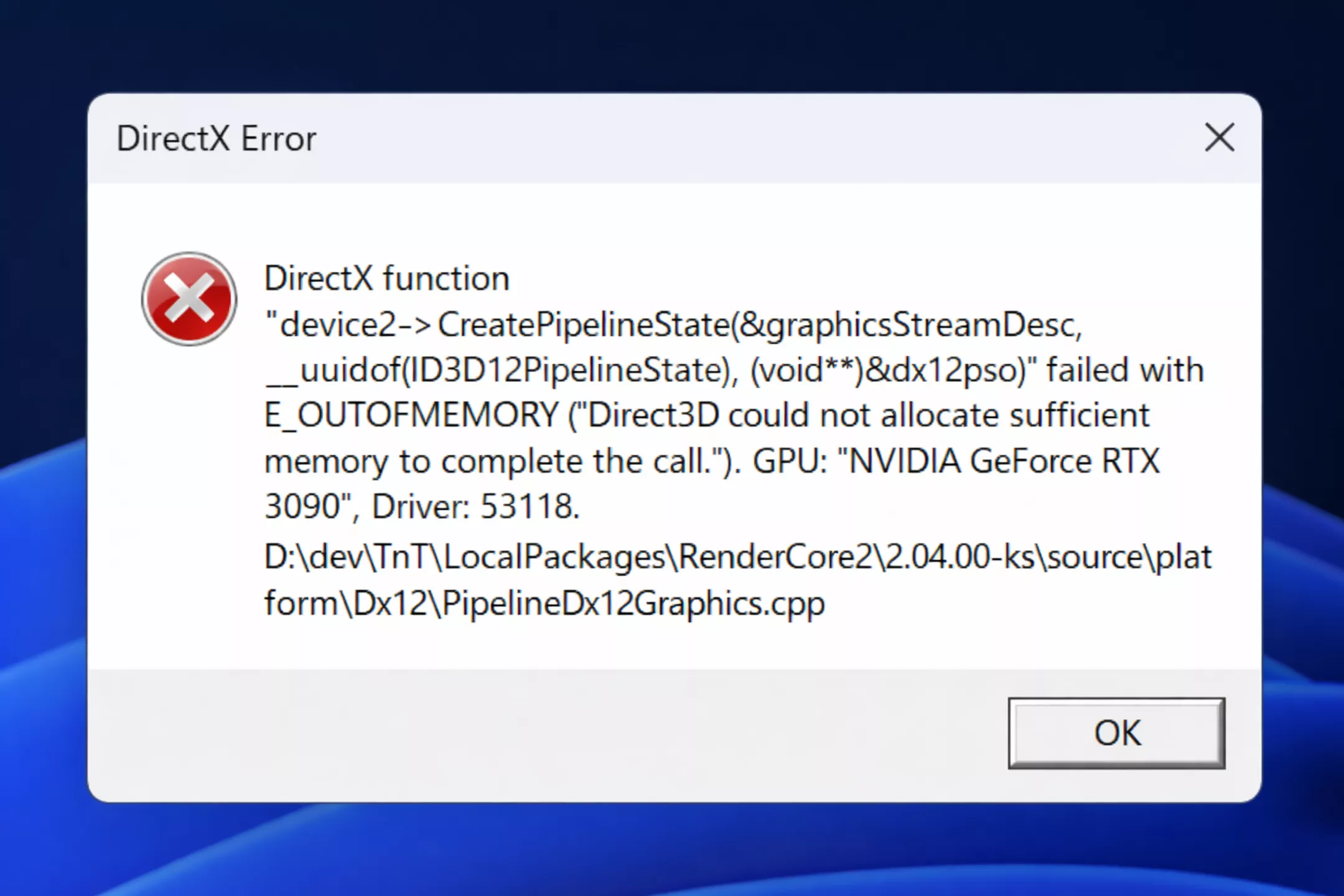
Some players find that Fortnite freezes mid-game, and DirectX 12 might be the reason.
Shaders compile as you play.
VRAM usage jumps up during combat.
Shader cache isn't handled well when the game updates.
Change the game to DirectX 11.
Restart Fortnite.
Play a few matches so the shader cache can stabilize.
While DX12 might give you a higher average FPS, DX11 tends to be the more stable option.
Fortnite can eat up a lot of memory, especially when you get to the end of a match.
16 GB RAM with background apps open
High texture settings exceeding VRAM
Memory leaks after long sessions
Shut down apps you don't need, like browsers and launchers.
Set your texture quality to Medium.
Restart Fortnite every few hours.
Make sure you have 8-10 GB of free RAM while playing.
Overlays often mess up Fortnite while you're playing.
Xbox Game Bar
Discord overlay
NVIDIA ShadowPlay
AMD ReLive
Windows Game DVR
Turn off all overlays and background recording.
Windows Settings → Gaming → Captures → Disable background recording
Turn off Discord, NVIDIA, and Steam overlays
CPUs today change their speed on the fly, and this can lead to computer freezes.
Windows power saving reduces CPU frequency
Background tasks spike CPU usage
Fortnite struggles with sudden clock changes
First, set your Windows power plan to High Performance.
If you're comfortable with advanced settings, disable CPU parking.
Also, close any background services that you don't need.
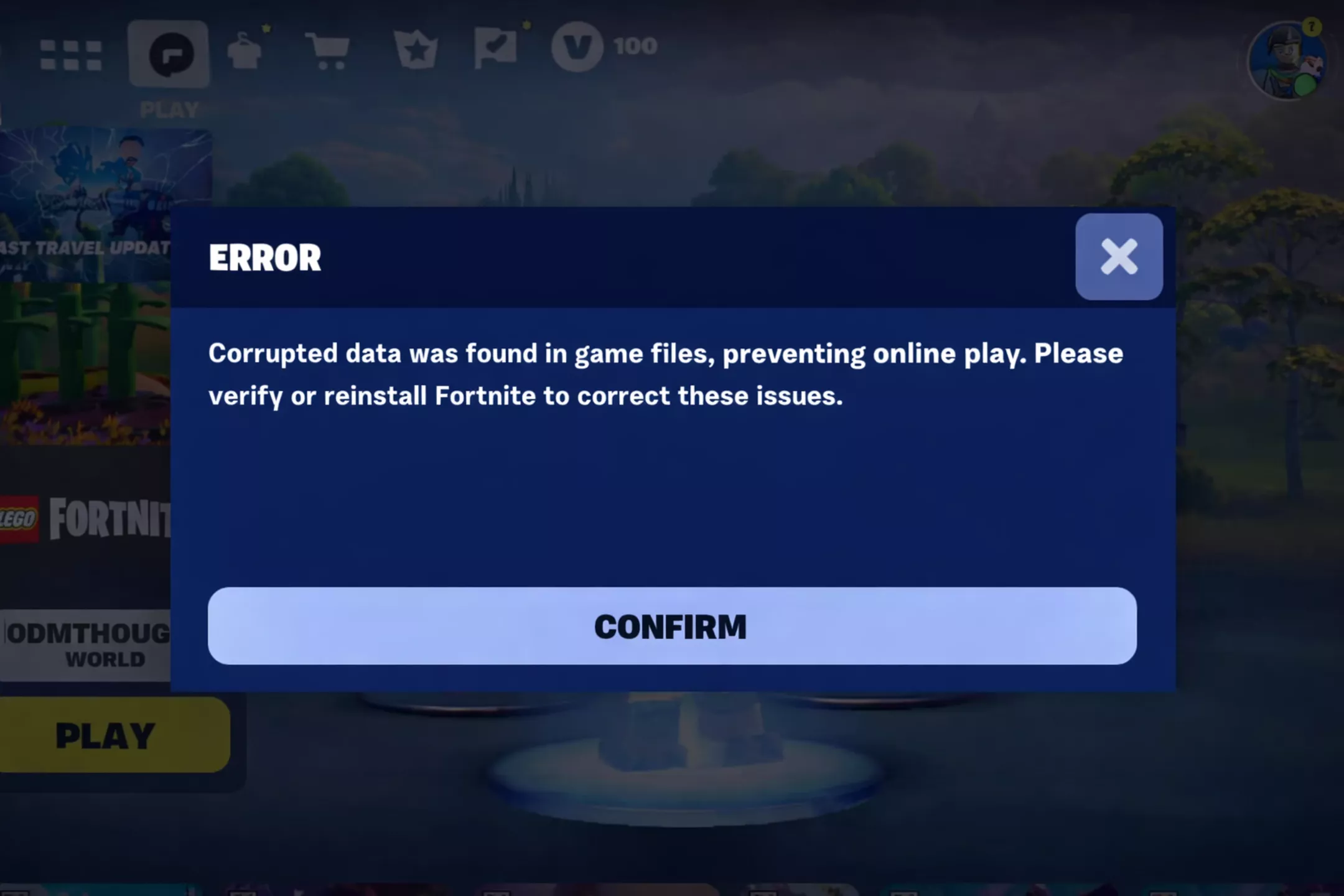
Sometimes after updates or when the seasons change, corrupted files can make your game freeze, even if it doesn't crash.
Epic Games Launcher → Fortnite → Verify files
Restart PC after verification
This should fix those annoying freezes you've been seeing.
Fortnite loads its stuff as you play.
Game is installed on HDD
Slow SATA SSD
Disk hits 100% usage
Install Fortnite on an NVMe SSD
Ensure at least 20% free disk space
Avoid running disk-heavy apps while playing
Old or bad drivers can cause your computer to freeze up.
Perform a clean GPU driver install (DDU recommended)
Use stable Game Ready drivers
Avoid beta or hotfix drivers unless required
Short freezes often occur when hardware throttles.
GPU above 85-90°C
CPU above 85°C
Make sure air can flow freely.
Get rid of any dust.
If necessary, lower your GPU's power a bit.
When your device gets too hot, it can slow down to prevent damage, which can make it seem like it's freezing up.
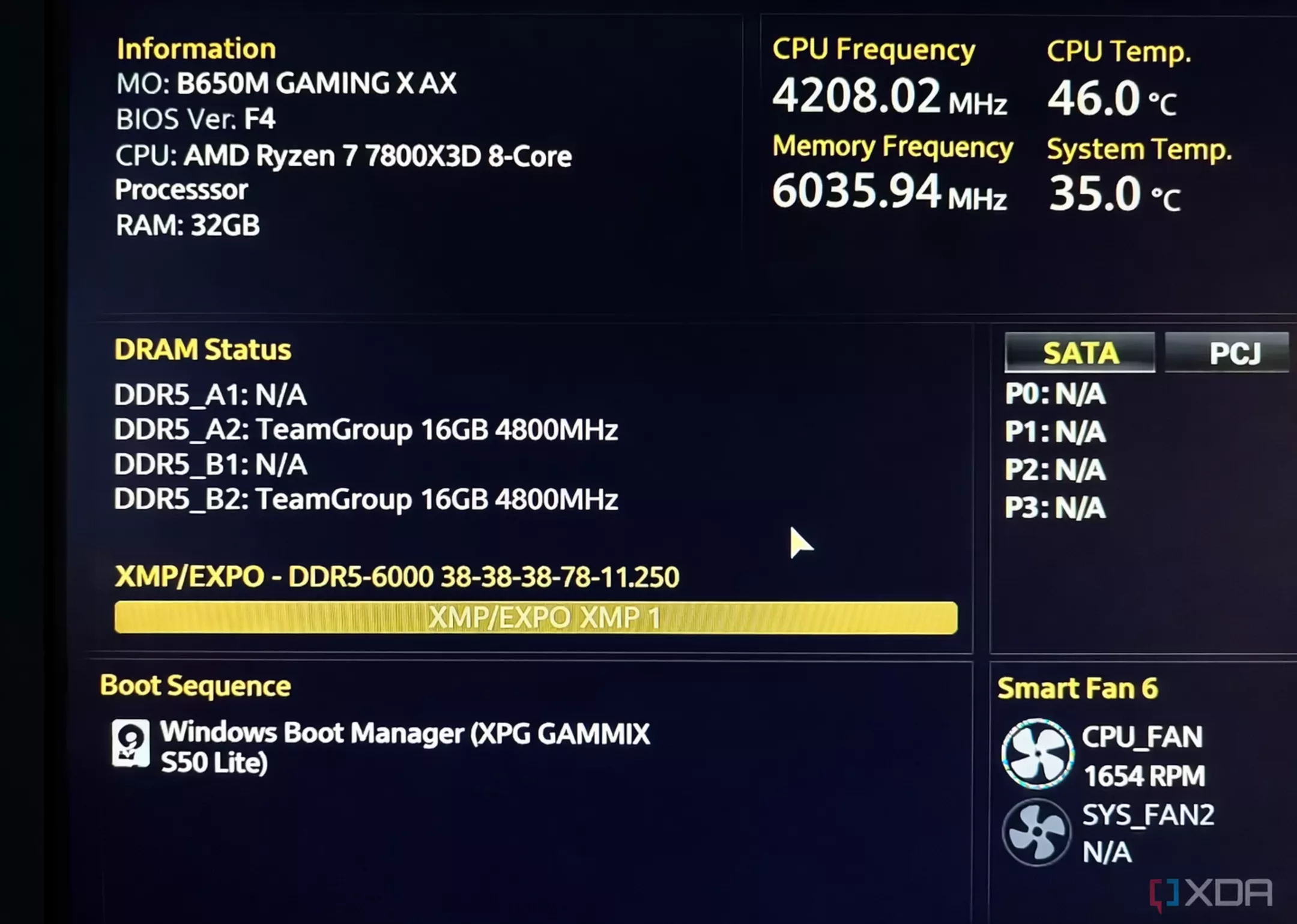
Having problems with Fortnite freezing but Windows keeps running? It could be your RAM.
Temporarily disable XMP / EXPO
Test stability (MemTest86)
Lower RAM frequency slightly if needed
Fortnite is sensitive to memory errors.
Setting | Value |
|---|---|
Rendering Mode | DirectX 11 |
Display Mode | Fullscreen |
FPS Limit | Match monitor refresh rate |
VSync | Off |
Shadows | Off |
Effects | Low |
Post Processing | Low |
Textures | Medium |
Motion Blur | Off |
It's more stable now, and the impact is less.
Freezes can happen if your config gets corrupted.
Using the GPU driver panel.
If all else fails, try reinstalling Fortnite on a fresh SSD.
Switch to DirectX 11
Disable all overlays
Verify Fortnite files
Cap FPS to refresh rate
Set Windows to High Performance
Close background apps
Monitor temps and RAM usage
Partially.
Fortnite’s:
Frequent updates
Live asset streaming
Engine changes
Yeah, you might see some temporary hiccups in stability. But don't worry too much most mid-game freezes can be fixed by tweaking your settings.
Having Fortnite freeze up during a game? Here's what's likely causing it:
DirectX 12 might be acting up
There could be problems with memory or shader cache
Overlays or other programs running in the background
Storage or overheating issues
If you get everything set up right, Fortnite should run smoothly for hours, even with competitive settings.
First, make sure it's stable, then worry about getting the highest frame rate.